How To See Facebook Hidden Friends List of Others
Hello Friends Facebook has brought more power to the users as privacy settings and now they can control all the information they've shared on their Facebook accounts. You can go to your Facebook privacy settings and limit the visibility of posts, picture etc.
Many of you would have set the privacy of your friends list as private. But this isn’t enough.

How to use Facebook Friends Mapper extension for Chrome?
Step 1:
To see any friend’s hidden friends list, you need to download and install the Facebook Friend Mapper extension.
Step 2:

Step3:
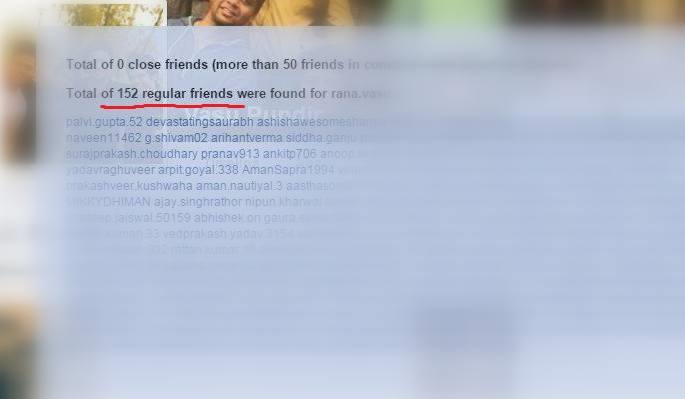
Click on the Reveal Friends option and you will be able to see all the friends whether they are your mutual friends or not.
Warning: These kinds of extension are not good for your web browser, I just installed them in order to make the tutorial and write about this flaw. So I won’t recommend you to use this on a permanent basis.


Comments
Post a Comment